
Your brand, inside and out
AttendIn custom branding works in two places. Inside, your team’s organiser workspace takes your logo, primary and secondary colours and a light or dark theme. Outside, you publish a public organiser profile with a banner, About text, founding year, focus areas and social links, listing all your events and communities. Public pages always use a clean light layout, with your logo and brand colour as accents, and your emails and tickets carry your brand too.
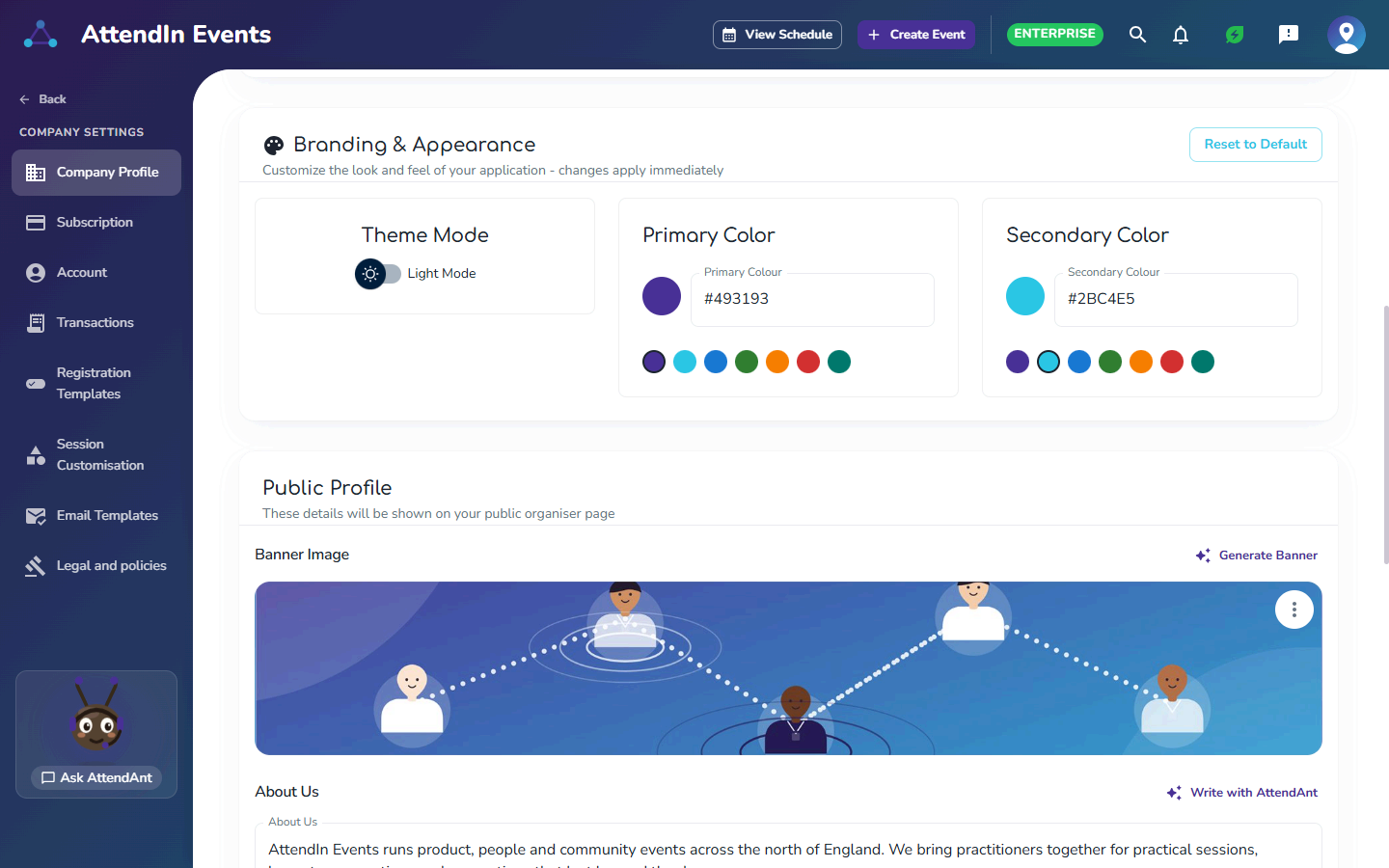
A public profile that looks like you
Your organiser profile is what attendees find in search and AttendIn discovery. It stays light and easy to read, with your logo, banner and brand colour.
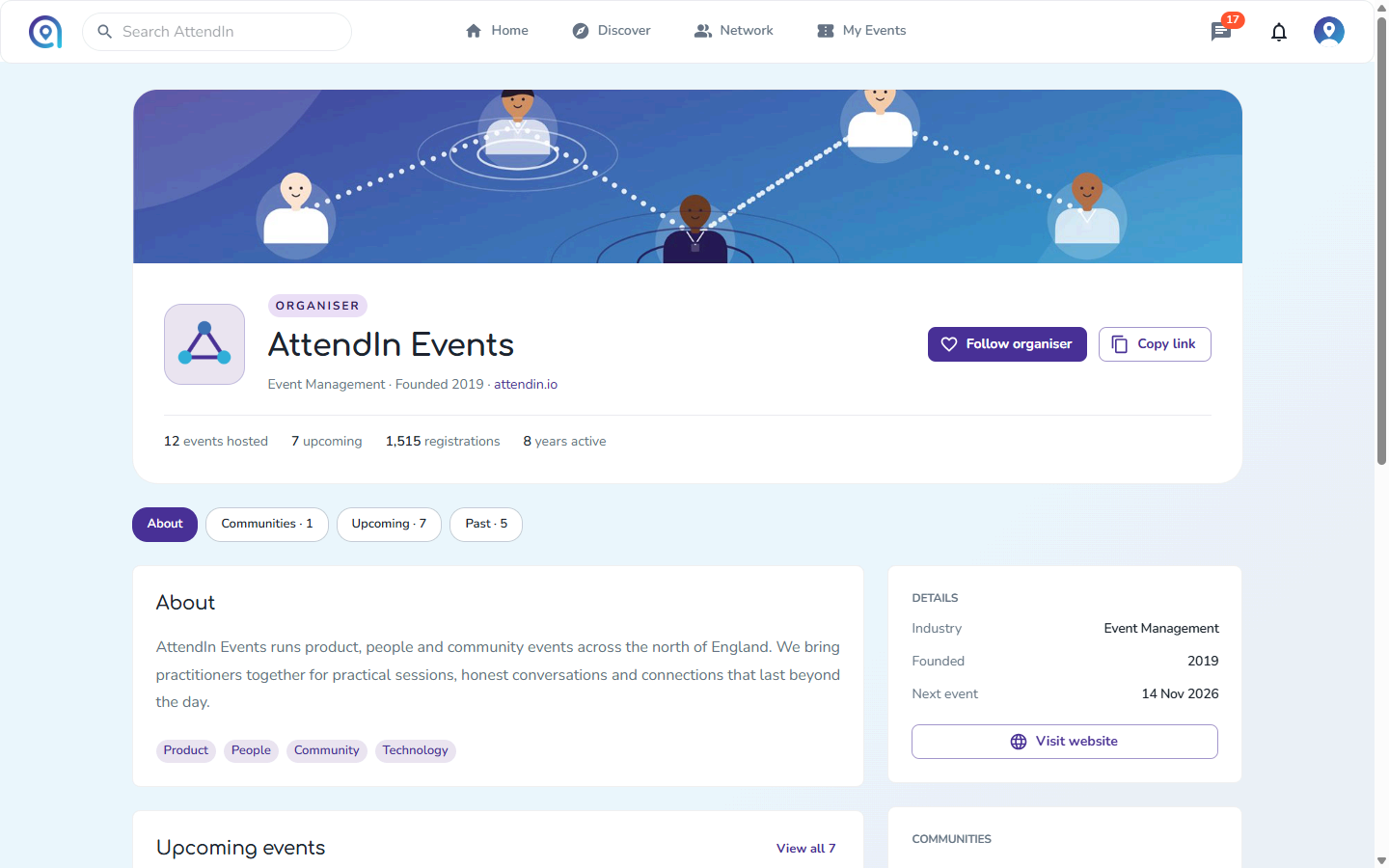
Your organiser profile
Your banner, logo and story sit above your events and communities, with a follow button so attendees hear about what you run next.
Why organisers choose it
- 01
A workspace that feels like yours
Your team works in your colours, in light or dark mode.
- 02
No designer needed
Pick from colour presets and let AttendAnt generate a banner and write your About text.
- 03
A profile worth following
Attendees follow your organiser profile to keep up with your events.
Custom branding in AttendIn
Company logo
Primary and secondary brand colours, with presets
Light or dark theme for your organiser workspace
Banner upload or AI banner generation
About text written with AttendAnt
Founded year, focus areas and social links
Public organiser profile with your events and communities
Your logo and brand colour on emails, tickets and community posts
Custom branding: frequently asked questions
Yes. Upload your logo and set primary and secondary colours, or choose from presets. Your team’s organiser workspace takes on your colours straight away.
No. Light and dark mode apply to your organiser workspace. Public pages, including your organiser profile, always use a light layout with your logo and brand colour as accents.
Yes. Generate a banner with AttendAnt or upload your own image.
In your organiser workspace, on your public organiser profile, and on the emails, tickets and community posts you publish from AttendIn.
Works well with
Popular with
Run your next event on AttendIn
Ticketing, registration, networking and check-in in one place. Start free and upgrade when you're ready.
Free to start
Your first three events are on us. No credit card required.
Clear, simple fees
One platform fee per paid ticket, plus Stripe card processing with no markup. Free tickets pay nothing.
Cancel any time
Monthly plans stop renewing as soon as you cancel, with no further charge.
Free forever plan · No credit card required